Short answer: to find the piano chords of a song, first listen for the bass note (it is usually the root of the chord), then decide whether the chord is major or minor, and check your answer by playing along with the track. You can do all of this by ear. If you want to move faster, open the song in an app that detects chords automatically and lights them up on an on-screen piano keyboard, slow the song down, and confirm each chord with your ears.
Below: why piano is different from guitar, a by-ear routine that works, and a step-by-step walkthrough with the VoxoMix piano chord finder.

- Why finding chords on piano is different from guitar
- Start with your ears: bass note, chord colour, check
- Step by step: finding the piano chords of a song in VoxoMix
- Reading the on-screen keyboard: Inversion and Basic views
- Left hand, right hand: fitting the chord to the song
- Where automatic detection can go wrong
- Which plan includes what?
- Frequently asked questions
Why finding chords on piano is different from guitar
On guitar, a chord is usually one hand shape: learn the shape and you are done. On piano, the same chord can be voiced dozens of ways. C major can be played as C-E-G, E-G-C or G-C-E. And pianists play with two hands: the left hand usually takes the bass note, the right hand plays the chord itself.
So when you work out a song on piano, you are answering two separate questions:
- Which chord is playing? Its name and type: C major, A minor, G7 and so on.
- How is it voiced? The order of the notes in your right hand (the inversion) and which note your left hand holds.
The first is enough for a basic accompaniment; the second makes you sound like the record. We cover general chord-finding methods in our guide on how to find the chords of a song; here the focus is entirely on piano.
Start with your ears: bass note, chord colour, check
You can work out the piano chords of a song without any tools. This order works:
1. Find the bass note
Listen only to the lowest sound and search for it with your left hand, one key at a time, until your note "merges" with the bass. In most pop and rock songs the bass plays the root of the chord, so if the bass note is D, the chord is most likely some kind of D chord.
2. Major or minor?
With the root found, play its major and then its minor chord with your right hand. Major tends to sound bright, minor darker. Whichever "sits" with the song is your chord.
3. Check it against the song
Write the chords down in order and play them over the track. If something clashes, either the bass note is not the root (the chord is inverted) or the chord is a richer type, such as a seventh. Listen to that section again.
This trains your ear, but it is slow, especially when piano, guitar and synths overlap in the mix. The method below follows the same logic and adds tools that support your ears.
Step by step: finding the piano chords of a song in VoxoMix
VoxoMix is a desktop app for Mac and Windows that splits a song into channels and detects its chords and tempo, all on your own computer. The piano chord finder is available on every plan, including the free plan.
- Open the song. Drag your MP3, WAV, FLAC or M4A file into the app. Separation and chord detection run on your computer; the file is never uploaded to a server.
- Watch the Chord Finder. While the song plays, the notes of the current chord light up on the on-screen piano keyboard. The chord name sits in the middle, with the previous and next chords on either side.
- Jump from chord to chord. The previous and next chord buttons take the song straight to the point where that chord starts.
- Slow it down. Use the speed slider to slow the song to as low as 0.5x; the pitch stays the same, so the chords sound in the same key even at slow speed. More on this in our guide to slowing down a song without changing the pitch.
- Listen to the keys on their own. On Basic and higher plans the song is split into 6 channels and the Keyboard Instrument channel comes separately. The S (solo) button next to it lets you hear only the piano; M mutes it so you can play your own part over the track. On the free plan separation is 4 channels (vocals, drums, bass and everything else), so keys stay inside the Other Instruments channel.
- Confirm with the bass channel. If you are not sure about the root, solo the bass channel. If the bass plays the root of the chord on screen, the chord is in root position; if it plays a different note, the chord is inverted and your left hand should hold that note.
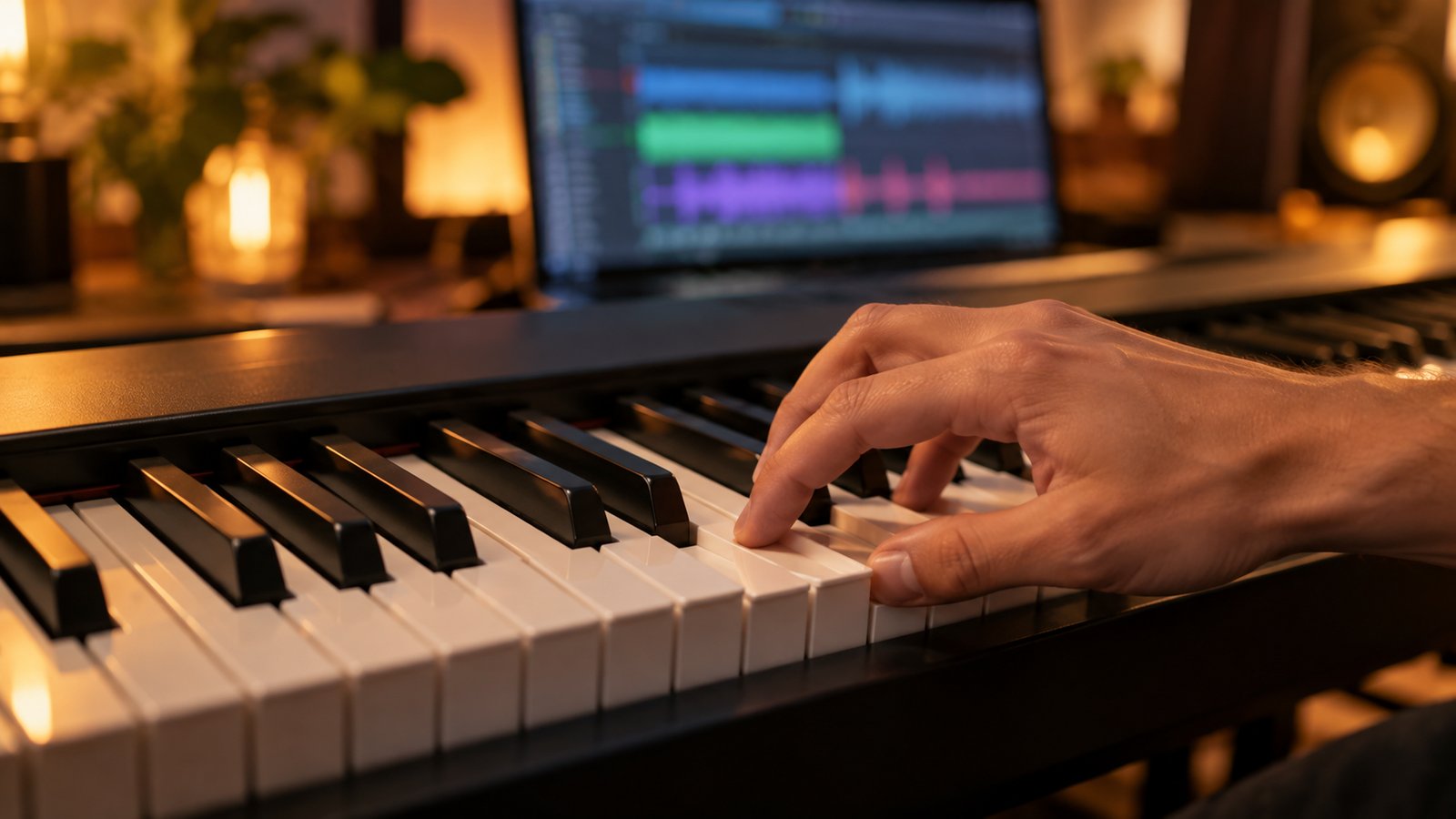
Reading the on-screen keyboard: Inversion and Basic views
The Chord Finder has two keyboard views:
- Inversion: a one-octave keyboard. The chord's notes light up within that octave, so you see which notes to play in their simplest form and choose the order yourself. When you want to move between chords with as little hand movement as possible (more on that below), this view makes it easier.
- Basic: a two-octave keyboard. The chord lights up stacked from its root: root, third, fifth (and the seventh in a seventh chord). If you are learning how a chord is built for the first time, this view is clearer.
If the keyboard feels small, the Enlarge button opens the chord finder in a large window, and the chords keep changing there while the song plays.
The Chord Finder shows major, minor and three seventh types (7, maj7, m7). Colourful chords such as sus, dim, aug or add9 may appear as the nearest basic chord. In those spots, your ear has the final word.
Left hand, right hand: fitting the chord to the song
Naming the chords is half the job. For an accompaniment that sounds like the song, start here:
- Left hand: the bass note. Play the root of the chord (or the note you hear in the bass channel) low on the keyboard, as a single note or an octave.
- Right hand: three notes. Play the three notes of the chord in the middle of the keyboard. When you move to the next chord, do not jump: keep common notes where they are and slide the others to the nearest key. Going from C major to A minor, C and E stay put and only G moves up to A. The Inversion view helps you find these close moves.
- Take the rhythm from the song. On the first pass, play each chord once at the start of the bar. Once that feels solid, copy the rhythm of the piano in the song: solo the keys channel, count the beats and play the same pattern.
When you can play it cleanly at a slow tempo, raise the speed step by step back to the original. If the key does not suit your voice or your hands, use transpose (Basic and higher) to move the song to another key; the chords follow the new key. Details in our guide on how to change the key of a song.
Where automatic detection can go wrong
Automatic chord detection gives a good starting point for most pop and rock songs, but it is not flawless. Check with your ears in these cases:
- Inversions and slash chords. If the bass plays a note other than the root (for example C/E), detection may name the chord correctly without telling you the bass note. Listen to the bass channel.
- Colourful chords. sus, add9 or dim chords may appear as the nearest basic chord.
- Busy arrangements. When synth pads, strings and guitars share the same range, detection sometimes leans towards the dominant instrument's notes.
- Fast chord changes. Passing chords that last a single beat can be missed; slow the song down and listen to that section.
- Length limit. The maximum song length depends on your plan: 4 minutes on the free plan, 5 on Basic, 7 on Student and no limit on Producer.
Which plan includes what?
| Feature | Free | Basic | Student | Producer |
|---|---|---|---|---|
| Songs per month | 2 | 10 | 50 | Unlimited |
| Max. length | 4 min | 5 min | 7 min | Unlimited |
| Piano chord finder | ✔ | ✔ | ✔ | ✔ |
| Speed change + metronome | ✔ | ✔ | ✔ | ✔ |
| Channel separation | 4 | 6 | 6+ | 6+ |
| Separate keyboard channel | — | ✔ | ✔ | ✔ |
| Transpose | — | ✔ | ✔ | ✔ |
| Guitar chord diagrams | — | — | ✔ | ✔ |
| PDF chord sheet | — | — | ✔ | ✔ |
Prices: Basic USD 2.99/month · Student USD 8.99/month · Producer USD 13.99/month; yearly billing is 20% off. You can try the Producer plan free for 14 days (the trial asks for card details, converts to a paid plan on day 14, and you can cancel any time). The piano chord finder and slow-down are included in the free plan; hearing the keys channel on its own requires Basic or higher.
VoxoMix runs on macOS (M1–M5) and Windows 10/11; all analysis happens on your own computer and your song is never uploaded to a server.
Frequently asked questions
What is the fastest way to find the piano chords of a song?
Open the song in an app that detects chords automatically; the chords appear on an on-screen keyboard while the song plays. Then slow down the tricky section and check it by playing along.
Where should I start if I want to learn to play piano by ear?
With the bass note. Find the lowest sound in the song with your left hand; in most songs that note is the root of the chord. Then decide whether it is major or minor and play along with the track.
Is the piano chord finder free?
Yes. The VoxoMix piano chord finder is available on every plan, including the free plan, which lets you process 2 songs a month of up to 4 minutes each.
Can I listen to the piano in a song on its own?
On Basic and higher plans, yes: the song is split into 6 channels and you can solo the keyboard instrument channel. In the free plan's 4-channel separation, keys stay inside the Other Instruments channel.
What if the chord on screen sounds wrong?
Listen to the bass channel and slow the song down. If the bass plays a different note, the chord is inverted; a richer chord (sus, add9) may also have been shown as the nearest basic chord. Your ear makes the final call.
Does my song leave my computer?
No. VoxoMix analyses the song on your own computer; the file is never uploaded to any server.
Conclusion
Finding the piano chords of a song is less daunting than it looks once you work in the right order. Remember three things: find the bass note first, see the chord on the keys and decide major or minor with your ears, and play over the song slowly with the bass in your left hand and the chord in your right. Once the chords sit, bring the speed back up and copy the rhythm of the piano in the song.
This week, start with just the chorus of a song you love.
Download VoxoMix free: the piano chord finder and slow-down are included in the free plan.
Download Free